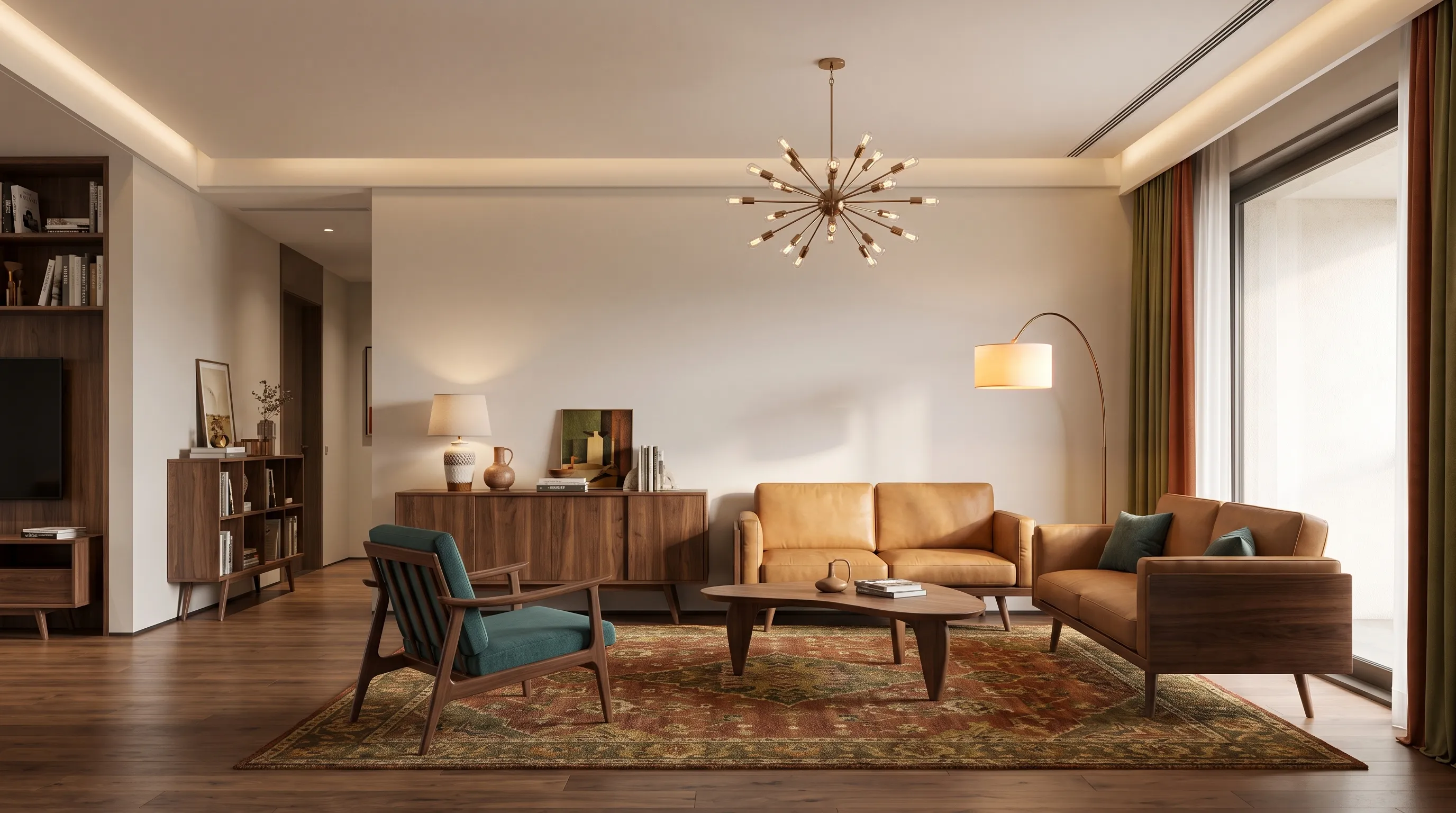
Upload your room photo and use the tool to design a dorm room around the study, sleep, storage, and comfort priorities that matter most.
Showcase
Make a Dorm Room Feel More Useful and Personal
Study, Sleep, and Storage Zones
When you design a dorm room, the hardest part is often giving one compact space several jobs. A clear photo helps the tool explore a calmer bed zone, a more focused desk area, and storage that feels less visually noisy. Use the concept to decide which function needs the best wall, light, or accessible surface.
Desk and bed relationship
Visible storage direction
Clearer daily routines
Personal Style Without Losing Function
Dorm room ideas work best when they are realistic about the existing shell. Explore bedding, lighting, rugs, wall-safe decor, compact seating, and color direction while keeping the purpose of the room visible. The result can help you build a shopping list or decide what to leave out before move-in day.
Lighting and bedding ideas
Compact decor choices
Personalized color direction
Compare More Than One Setup
Use separate generations to test a quiet study-first direction against a warmer lounge direction, or to see whether the room feels better with less furniture. The output is a visual concept, not a guarantee that every item will fit, comply with residence rules, or work with the room's existing dimensions.
Study-first alternatives
Low-clutter concepts
Furniture-fit questions
Technology
A Practical Way to Design a Dorm Room
01
Compact Room Context
The visible bed, desk, windows, walls, and storage pieces give the AI context for an early dorm concept.
02
Dorm Room Redesign
Describe whether the room should prioritize studying, sleep, visitors, organization, or a calmer visual atmosphere.
03
Color and Decor Direction
Test broad palette, bedding, lighting, and decor ideas before purchasing removable or portable items.
04
Small-Space Visualization
A concept image can make it easier to compare visual density and the relationship between the desk, bed, and storage.
05
Everyday Function
Use the result to identify clutter points, study comfort, and quick-access storage needs worth addressing.
06
Style Variations
Try a minimal, warm, colorful, or study-focused direction while keeping the original room photo as the starting point.
How it works
How to Design a Dorm Room with AI
01
Upload Your Dorm Room Photo
Use a bright photo that shows the bed, desk, closet or storage, windows, and any fixed furniture.
02
Name Your Daily Priorities
Tell the tool whether you need better study focus, more visible storage, a guest-friendly setup, or a calmer sleep area.
03
Generate and Refine
Compare visual directions, then check your residence policies, furniture sizes, outlets, and moving constraints before making changes.