
Use a real material
Test a fabric, wood grain, tile, wallpaper, siding, or roof finish from a supplied reference.
- Add the space
- Add the material
- Choose a surface
No image? Try one of these:
Generate multiple design variations at once
Private uploads · automatic refund on model failure
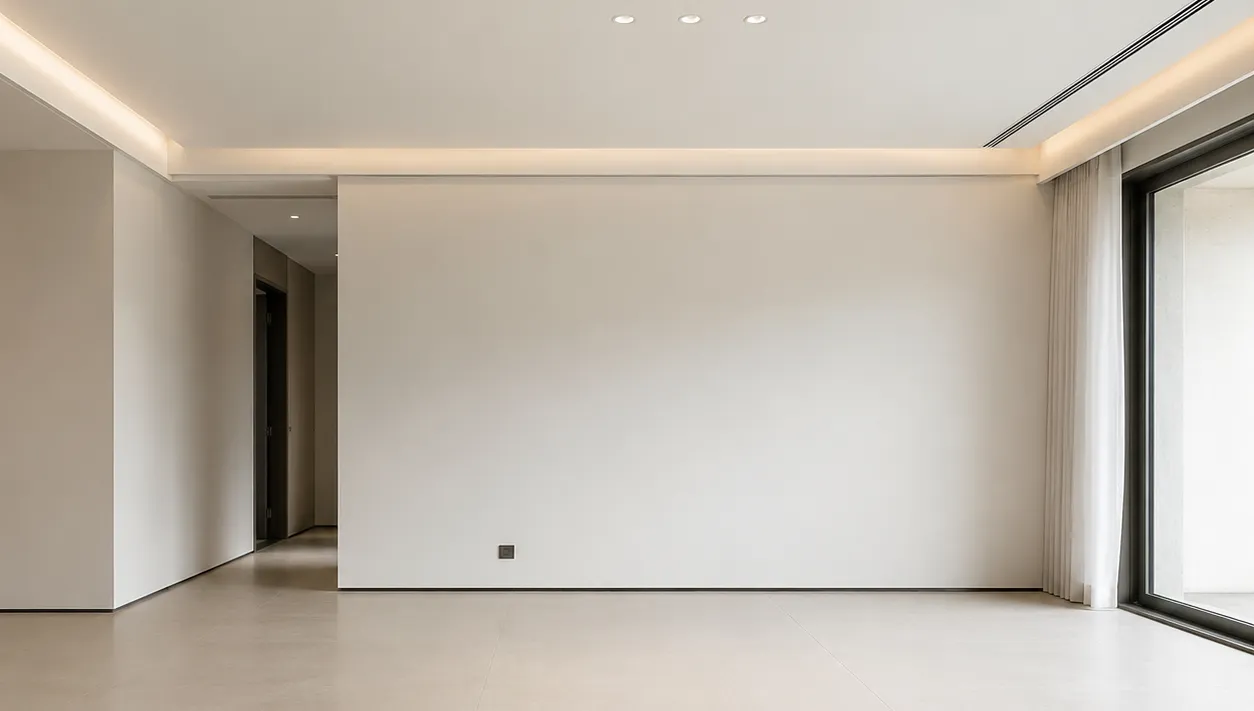
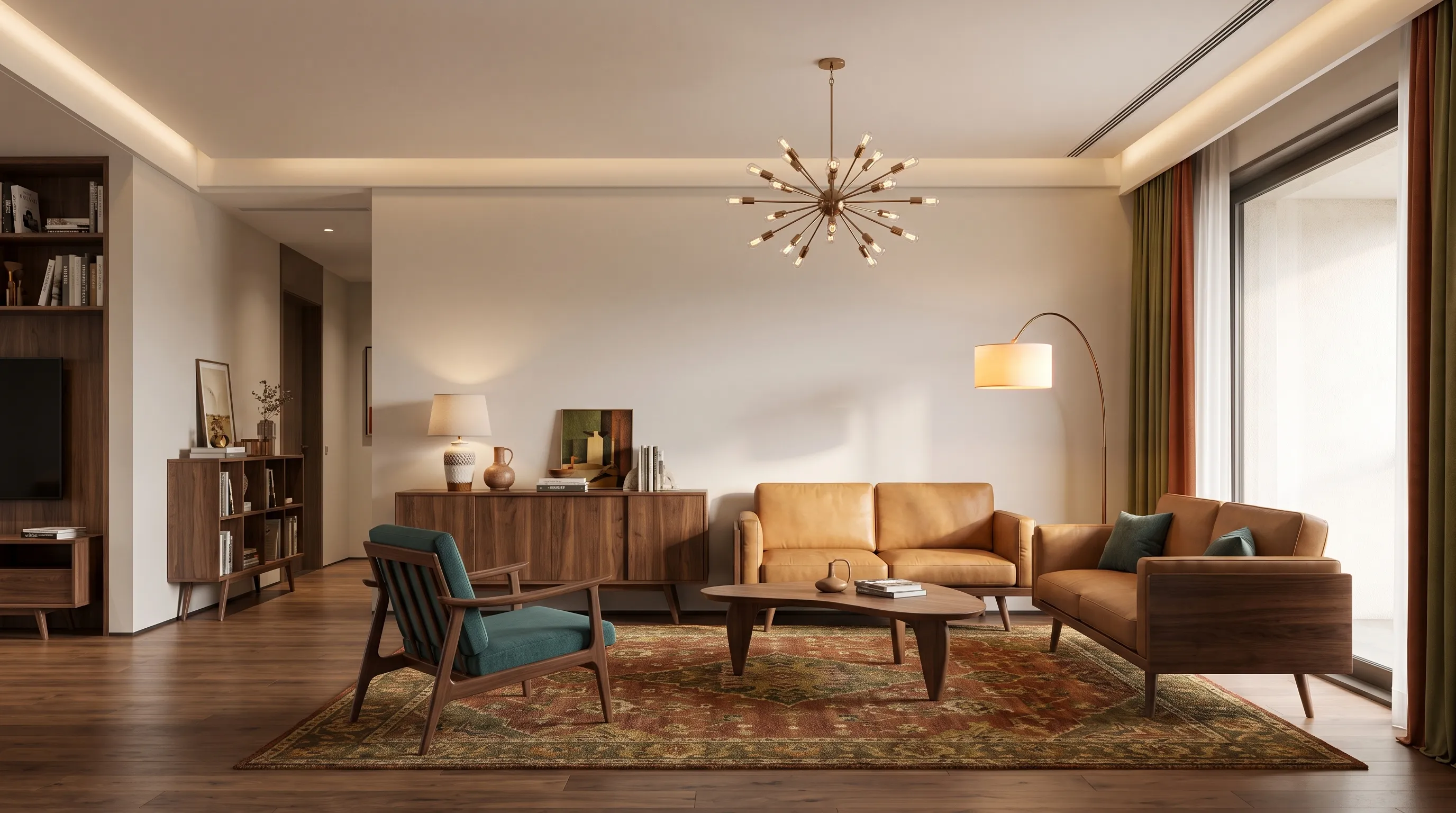
Upload a photo and a material reference to test new flooring, fabrics, exterior siding, roofs, and other finishes in your own space.

Upload a photo and a material reference to test new flooring, fabrics, exterior siding, roofs, and other finishes in your own space.
Test a fabric, wood grain, tile, wallpaper, siding, or roof finish from a supplied reference.

The goal is a material change, not replacing the entire sofa, floor, wall, or facade.

Compare the finish under the room’s existing scale, light, and surrounding materials.
The workflow uses the brief and supplied reference context to keep the next concept relevant to the design decision.
Generated concepts balance spatial scale, materials, lighting, and furniture so the result is useful for early review.
Uploads stay private to your account and completed results are saved to your generation history.
The input fields are tailored to this workflow, so the generator starts from decisions that matter to the task.
Generate another direction when you need to compare style, layout character, materials, or decor before acting.
Use the output as a visual starting point for a conversation with clients, suppliers, designers, or qualified professionals.
Upload a clear room or exterior photo as the first image.
Upload the texture, fabric, tile, wood, or finish as the second image.
Tell the generator exactly where the material should be applied.

Redesign a room from a photo with a clear visual direction.

Explore broader changes to furniture, materials, lighting, and finishes.

Turn an early spatial brief into a furnished floor-plan concept.
Browse every Home Design AI workflow in one place.
The first image establishes the space. The second is treated as a material reference.
Yes. It can be used to explore siding, masonry, roof finishes, and other facade materials.
Use a clear, well-lit image or a specific written brief. Include the important area and describe the decision you want to test.
No. Results are visual concepts for early review. Confirm dimensions, materials, safety, and construction details with qualified professionals.
Yes. Adjust the brief, controls, or reference images and generate another concept to compare alternatives.
Successful generations are stored in your private history, where you can return to review or download them.
Upload a photo and a material reference to test new flooring, fabrics, exterior siding, roofs, and other finishes in your own space.